Picture this. You’re deep into an online game, victory in sight. Suddenly, the screen locks up. No response. Or worse, you’re in a deadline crunch, and your work app crashes mid-save. These moments hit everyone. They strike on Windows, Mac, or Linux machines alike.
Frustration builds fast. You wonder what causes programs to freeze or crash. Common culprits include software bugs, hardware faults, resource shortages, malware, and overheating. New twists in 2026 add pressure from AI tools and buggy updates. This guide breaks it down. You’ll spot the signs and understand why it happens.
Let’s start with the most frequent offender.
Sneaky Software Bugs and Updates That Trigger Freezes
Software glitches top the list for program freezes and crashes. Apps contain errors from rushed coding or overlooked conflicts. These bugs halt execution, like a jammed gear in a machine. On any platform, they cause hangs during simple tasks.
Recent Windows 11 updates worsen things. The March 2026 KB5079473 patch sparked hard freezes and blue screens on many setups. Users report crashes every 10-20 minutes, especially during Zoom or Teams calls. Data loss follows, along with boot loops from February patches. Microsoft forums buzz with complaints since March 12. Dell owners see similar issues, though not exclusive.
Linux faces kernel panics too. Outdated packages or AI libraries like TensorFlow on ARM chips trigger them. The kernel acts as core software managing hardware talks. A panic means it gives up, freezing everything. Macs resist better thanks to strict app checks. Still, unpatched third-party software sneaks in problems.
Signs appear clear. Programs lag, then stop. The mouse freezes, or error pop-ups flash. For deeper causes on Windows, Mac, and Linux, check Lenovo’s breakdown of system crashes.
How Faulty Drivers Clash and Cause Crashes
Drivers act like translators. They link hardware to software. Faulty ones confuse the pair, sparking crashes.
NVIDIA or AMD graphics drivers clash on Linux most. Boot fails, or apps quit on launch. Windows sees this three times more than Macs in enterprise data from 2025. Antivirus tools dig into the kernel, causing conflicts. Macs rarely suffer, but third-party drivers slip through.
Symptoms hit hard. Screens flicker during games. Apps crash right away. Or the whole system bluescreens. In short, mismatched drivers overload communication.
The Impact of Buggy OS Updates
Updates promise fixes but deliver bugs sometimes. Windows 11’s KB5079473 from March 2026 caused freezes during camera use in Teams. Users face BSODs with code 0xBE. Office apps break too, showing error 0x800704b3.
Linux custom builds panic from untested kernels. Macs hang on unpatched apps. Check forums for rollbacks, like wusa /uninstall /kb:5079473 on Windows. Always test updates first. For user reports on this patch, see Windows Forum discussions on KB5079473 instability.
Resource Shortages and Overheating That Overwhelm Your System
Your computer needs room to breathe. Too many apps or leaks eat resources. RAM fills up. CPU maxes out. Programs freeze as a result.
2025 enterprise stats show Windows with 7.5 times more app hangs than Macs. New AI tools spike this. Copilot on Windows grabs 8-12 GB RAM at boot. Apple Intelligence hogs Mac resources. TensorFlow slows Linux dev work. Background AI runs constant, like uninvited guests at a party.
Overheating joins in. Dust clogs vents. Fans roar but fail. Laptops brick during heavy loads.
Running Low on Memory or Processing Power
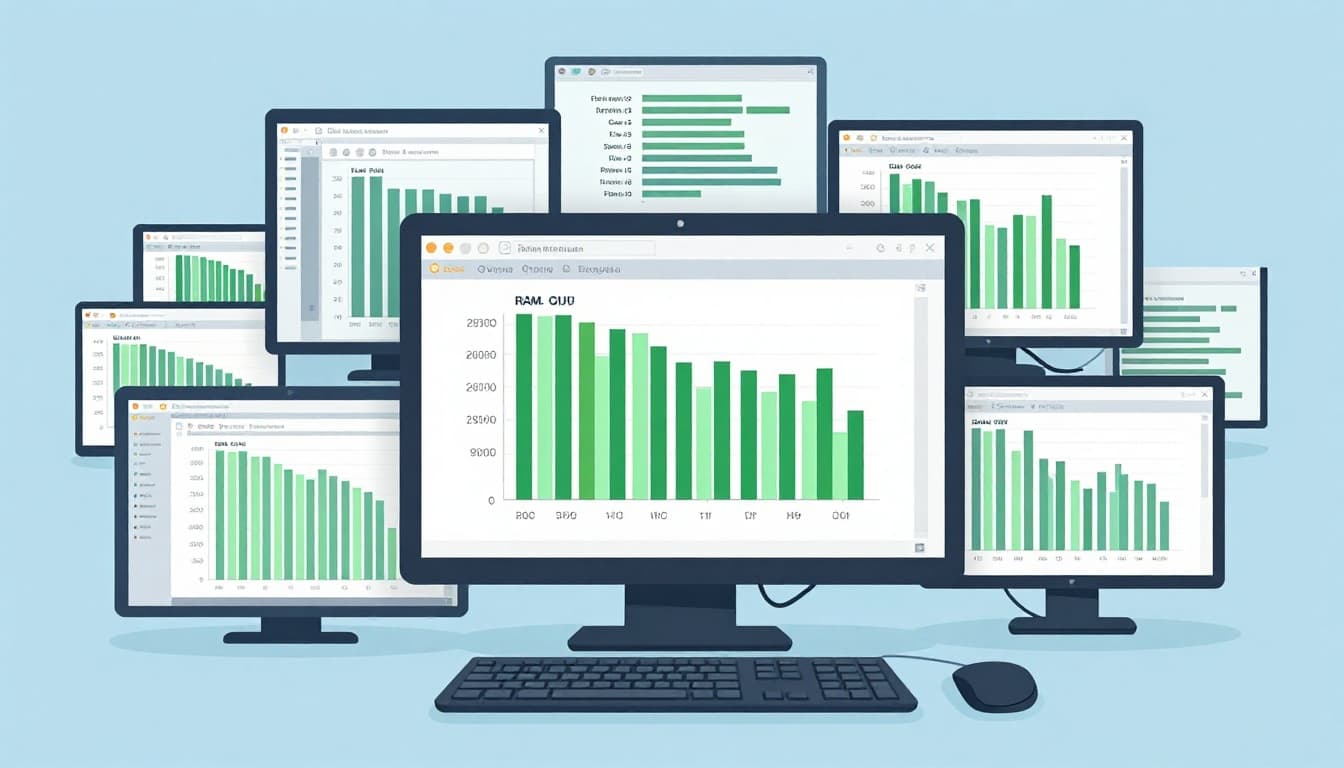
Low RAM starves apps. Open too many tabs or AI tools. The system swaps to disk, slowing to a crawl. CPU overload hits from background tasks. Think of it as a brain juggling too much.
Linux desktops like GNOME leak memory. Windows Task Manager shows spikes. Macs hold up better but falter on older hardware. Fans spin wild. Apps lag before freezing.
Why Overheating Turns Your Computer into a Brick
Heat shuts down chips for safety. Dust buildup blocks airflow. Malware or compiles raise temps fast. In healthcare or schools, unpatched systems overheat quick.
Laptops suffer most without pads. AI training on small devices like Raspberry Pi bricks them. Signs include hot cases and throttled speed.

Hardware Failures and Malware as Hidden Threats
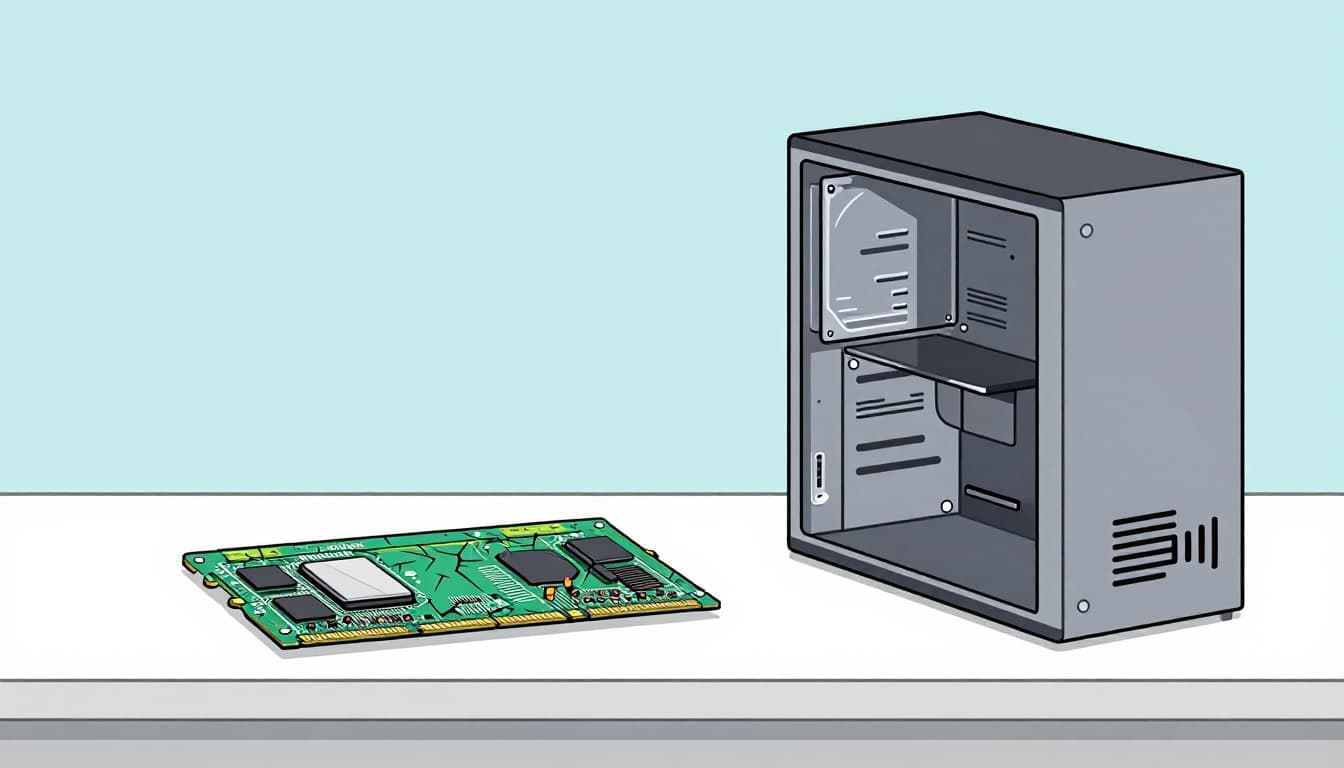
Hardware wears out. Faulty RAM flips bits, crashing Firefox up to 10% of cases. Hard drives stutter. SSDs fail under writes. GPUs die in games. Batteries swell on laptops. Power supplies falter. Wi-Fi chips drop signals.
Malware amplifies this. Unpatched Windows sees over 50% infection in sectors. Linux servers get rootkits rare but real. Macs stay low risk. Bluescreens or random spikes signal trouble.
Spotting Bad RAM or Storage Problems
Bad RAM causes random crashes. Test with MemTest86 across platforms. Storage fails show slow loads or errors. Symptoms match on Windows, Mac, Linux. Enterprise high-end setups fail more on Windows.
For Linux malware stats, review CommandLinux vulnerability data.
How Causes Differ on Windows, Mac, and Linux
Windows leads in crashes. Updates and drivers cause most freezes, three times over Macs. AI like Copilot overloads it.
Macs shine stable. Tight controls cut bugs. But Apple Intelligence strains old hardware, spiking CPU.
Linux tweaks easy but drivers clash. AI libs like TensorFlow panic kernels. No crash stats match Windows yet. Market share sits low at 2.89% desktops.
Spot your OS pain. Windows users watch updates. Mac folks check AI load. Linux tinkerers update drivers.
Most issues stem from these platform quirks. Enterprise data confirms Windows hangs apps 7.5 times more.
Programs freeze or crash from fixable sources. Software bugs and updates strike first, especially Windows KB5079473 woes. Resource shortages from AI bloat overwhelm next. Hardware faults and malware lurk behind.
You hold the power. Update drivers carefully. Scan with Windows Defender or ClamAV. Monitor Task Manager or htop. Test RAM if bluescreens persist.
Next time a freeze hits, trace the cause. Most yield to simple checks. Share your story in comments. What freezes your setup most? Run a quick resource scan today.