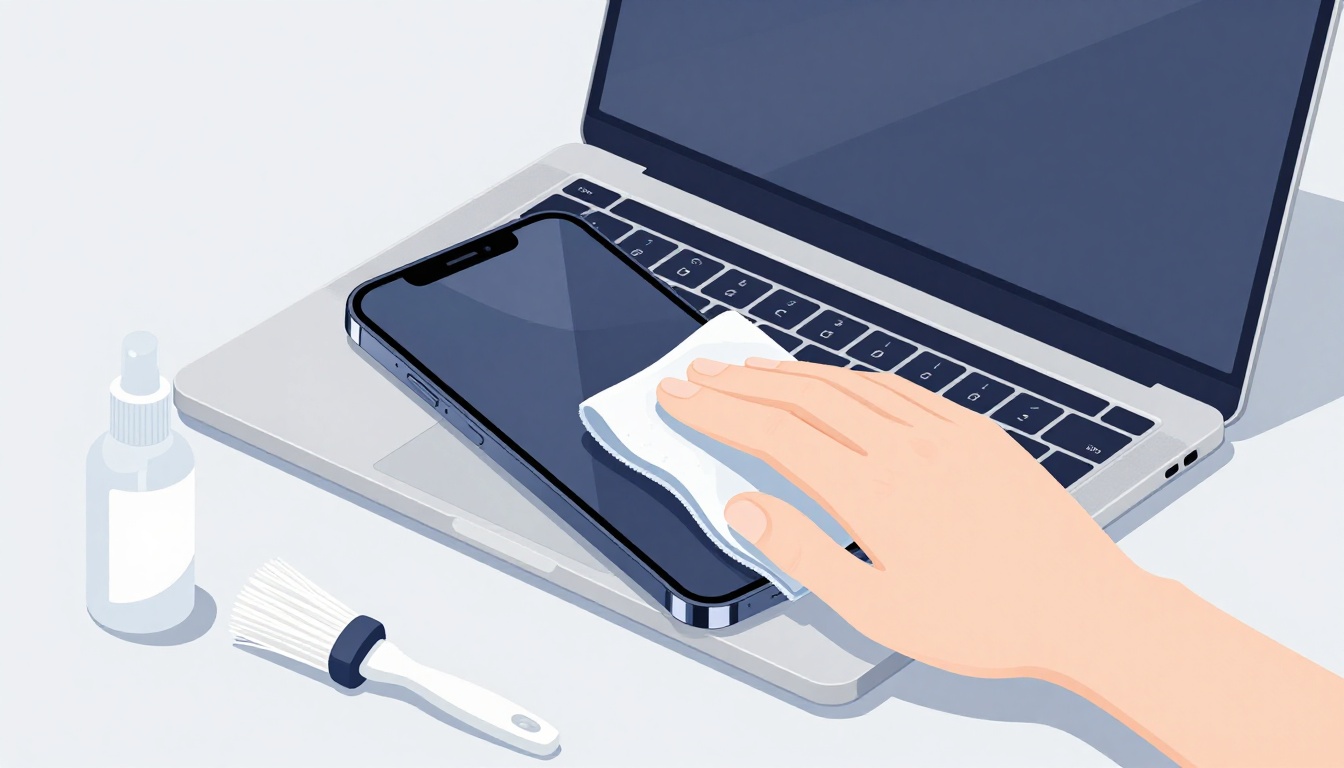
Picture this: your friend grabs a squirt of household cleaner to wipe smudges off her phone screen. She rubs hard, and suddenly fingerprints stick everywhere because the protective coating vanished. Now scratches appear too, and her warranty? Voided.
You face similar risks every time you clean your devices. Harsh chemicals strip oleophobic coatings that repel oils, water seeps into ports causing shorts, and rough cloths leave permanent scratches. Improper methods shorten battery life, slow performance, or even brick your gadget.
That’s why learning how to clean your devices safely matters. You’ll extend their lifespan, boost speed by removing dust buildup, and kill germs for healthier use. In this guide, we’ll cover essential tools, simple prep steps, device-specific tips for phones laptops and more, plus common mistakes to dodge, so you start with confidence.
Gather These Must-Have Tools for Safe Cleaning
You want the best tools to clean electronics safely, right? Skip the household hacks. They often ruin screens or ports. Instead, grab these proven picks. They protect coatings and kill germs without harm. Power off devices first. Always dampen cloths, never spray liquids directly. This keeps moisture out.
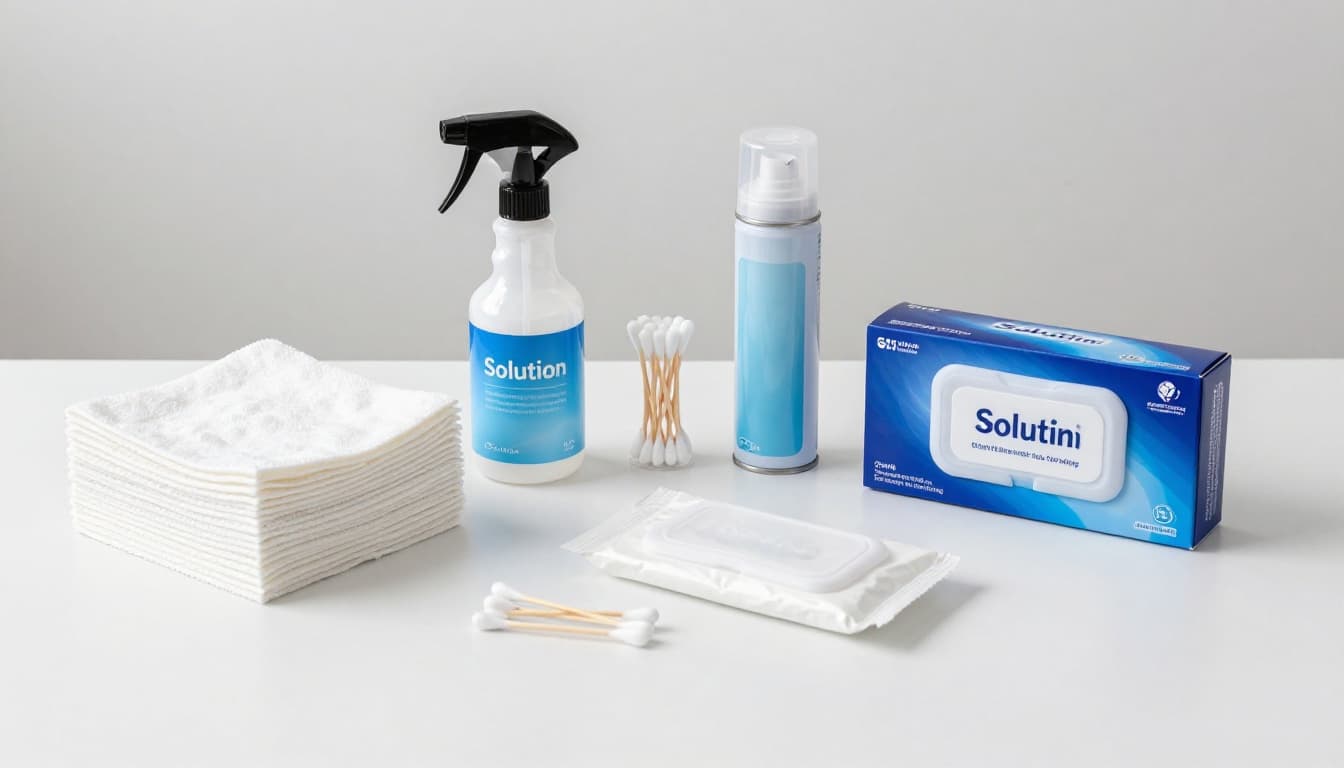
Your Essential Toolkit
Stock up on these items. Each serves a purpose.
- Microfiber cloths: These soft, lint-free wonders grab dust and smudges gently. They won’t scratch screens like paper towels do. Buy affordable packs at office stores.
- 70% isopropyl alcohol wipes or mix: Mix 70% alcohol with 30% distilled water for a germ-killer. Wring it on a cloth first. Great for greasy fingerprints. Check out Insignia 70% alcohol wipes at Best Buy for a budget option.
- Cotton swabs: Perfect for tight spots like ports or keys. Dip lightly in your alcohol mix, then wipe. Avoid pushing dirt deeper.
- Compressed air: Blows dust from keyboards and vents. Use short bursts on laptops only. Skip phones, as it packs debris inside.
- Screen-safe wipes: Pre-moistened and gentle for quick jobs. Opt for individually wrapped ones like Wipex alcohol wipes on Amazon.
Smart Buying and Storage Tips
Hunt deals online or at Staples for screen tools. Spend under $20 total. Store in a dry kit bag. Keep alcohol mixes fresh by labeling dates. Toss old cloths if frayed.
Tools to Skip
Ditch bleach, vinegar, or 100% alcohol. They strip protections. Paper towels leave scratches too. Hand sanitizers clog ports. Stick to the list above. Your devices stay safe longer.
Set Up for Success with These Prep Steps
Before you clean any device, prep it right. Power off everything first. Unplug cables too. This stops shorts or shocks. Remove cases, screen protectors, bands, and cables. Let devices sit on a dry surface. Dry them fully before powering on again. Excess moisture ruins ports or circuits. Use circular motions with a dry or lightly damp cloth always. Wring out excess liquid. For extra germ kill, try a UV-C sanitizer as an option. It works without wipes.
Follow these steps for all devices. They prevent damage and make cleaning easy.
- Power off and unplug. Hold the power button until it shuts down. Disconnect chargers right away.
- Remove accessories. Take off cases, pop out SD cards, detach bands. Set them aside for separate cleaning.
- Inspect for damage. Check ports and screens for cracks. Skip cleaning if you spot issues.
- Work in a dry area. Use a lint-free towel under devices. Avoid bathrooms or kitchens.
- Dry completely. Wait 10 to 30 minutes after wiping. Test with a dry cloth before use.
These habits keep your gadgets safe. Now tackle each type.
Smartphones and Tablets
Start with your phone or tablet. Wipe the screen and back using a microfiber cloth dampened with 70% isopropyl alcohol. Apple and Samsung both approve this mix. Apple’s iPhone cleaning guide spells it out clearly.
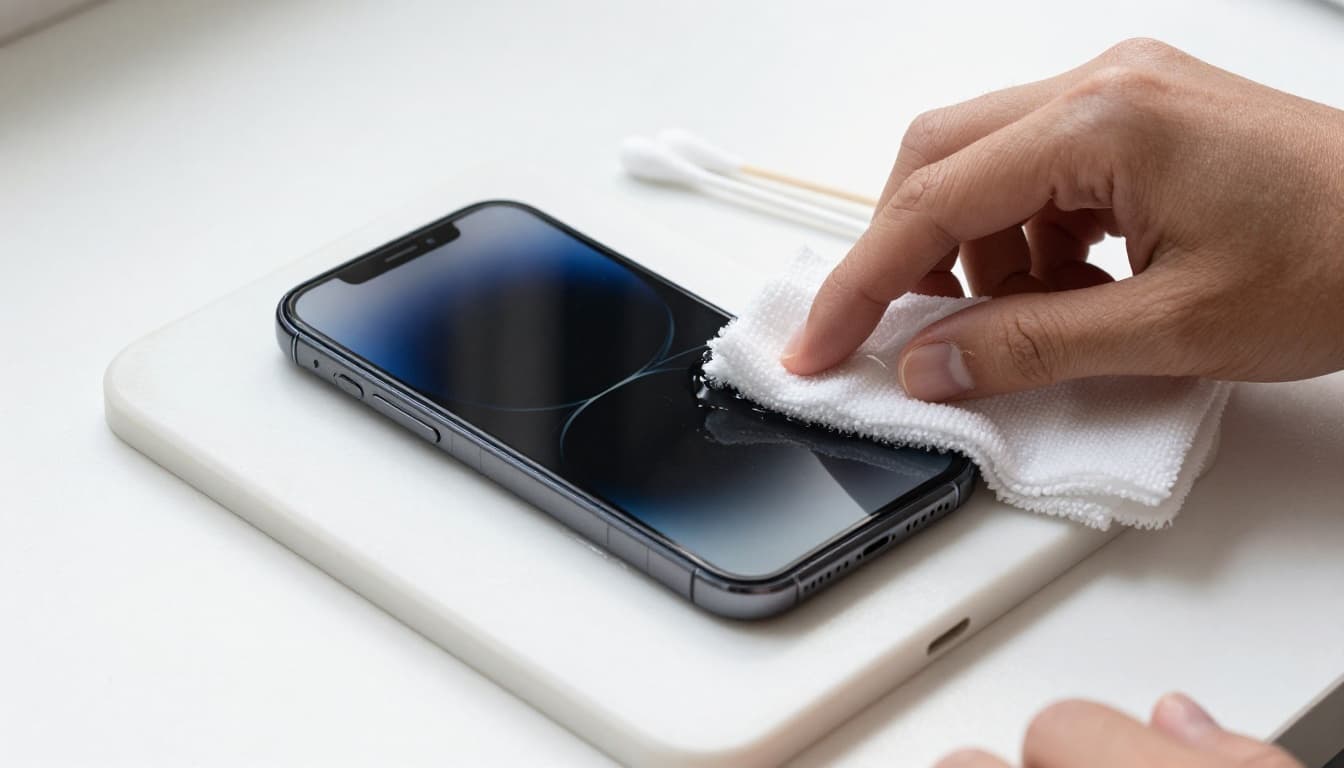
Use cotton swabs for edges. Avoid ports completely. For stubborn spots, add a bit more alcohol but wipe fast. Let it air dry. This method removes oils without stripping coatings.
Laptops and Keyboards
Unplug your laptop fully. Power it down too. Wipe keys and the touchpad with a damp cloth. Microsoft suggests gentle methods like this. Check Microsoft’s Surface keyboard tips for details.
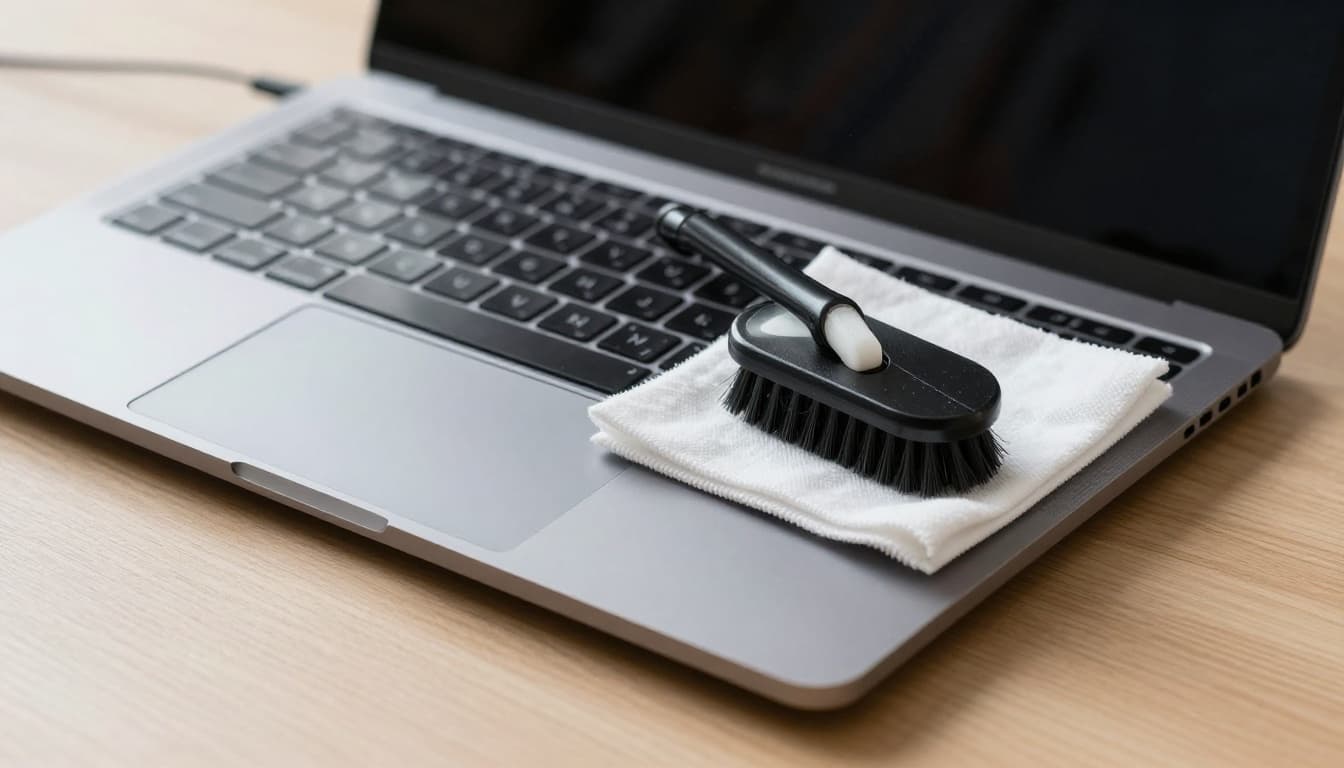
Brush crevices or use short air bursts. For mechanical keyboards, remove keycaps if you can. Soak them in soapy water, rinse, and dry overnight. No moisture near the board.
Smartwatches
Take off the bands first. Wipe the face with a wrung-out disinfecting wipe or damp cloth. Apple’s Apple Watch cleaning steps match Samsung’s advice here.
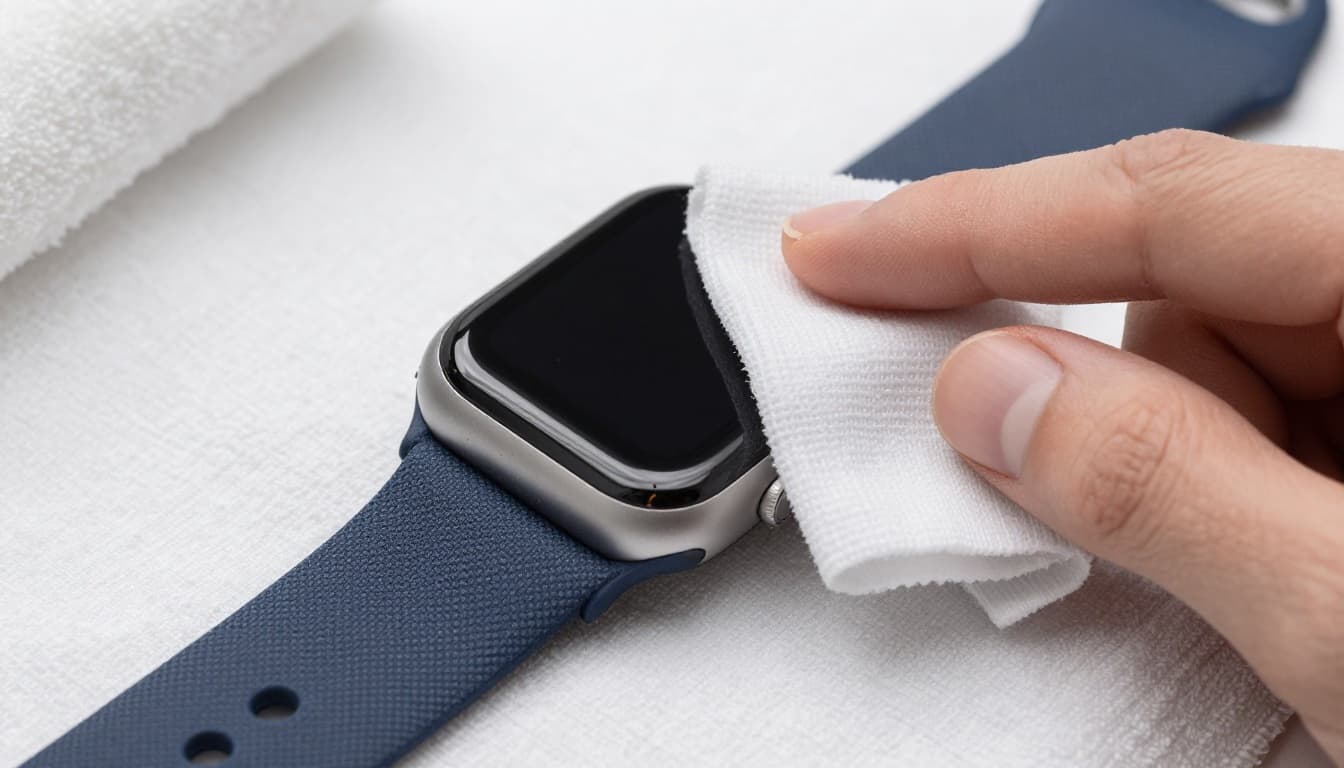
Roll lint off fabric bands. Dry everything on a towel. Skip alcohol on leather or cloth. Air dry fully to avoid skin issues.
Other Devices and Accessories
Dry cloths work for most extras like hubs or mice. Dampen for greasy spots only. Soft brushes clear edges on earbuds.
Quick tips save time. Blast air into mouse sensors briefly. Wipe earbud tips with swabs. Dry cloths shine chargers. Always power off first. This routine keeps ports free and performance high.
Dodge These Frequent Cleaning Mistakes That Wreck Gadgets
Even with the right tools and prep, small slip-ups ruin devices fast. You spray cleaner straight on a screen, and liquid seeps into ports. Suddenly, corrosion starts inside. Or you grab a paper towel, and scratches appear forever. These errors strip oleophobic coatings, cause shorts, and void warranties. Let’s spot the big ones and fix them now.
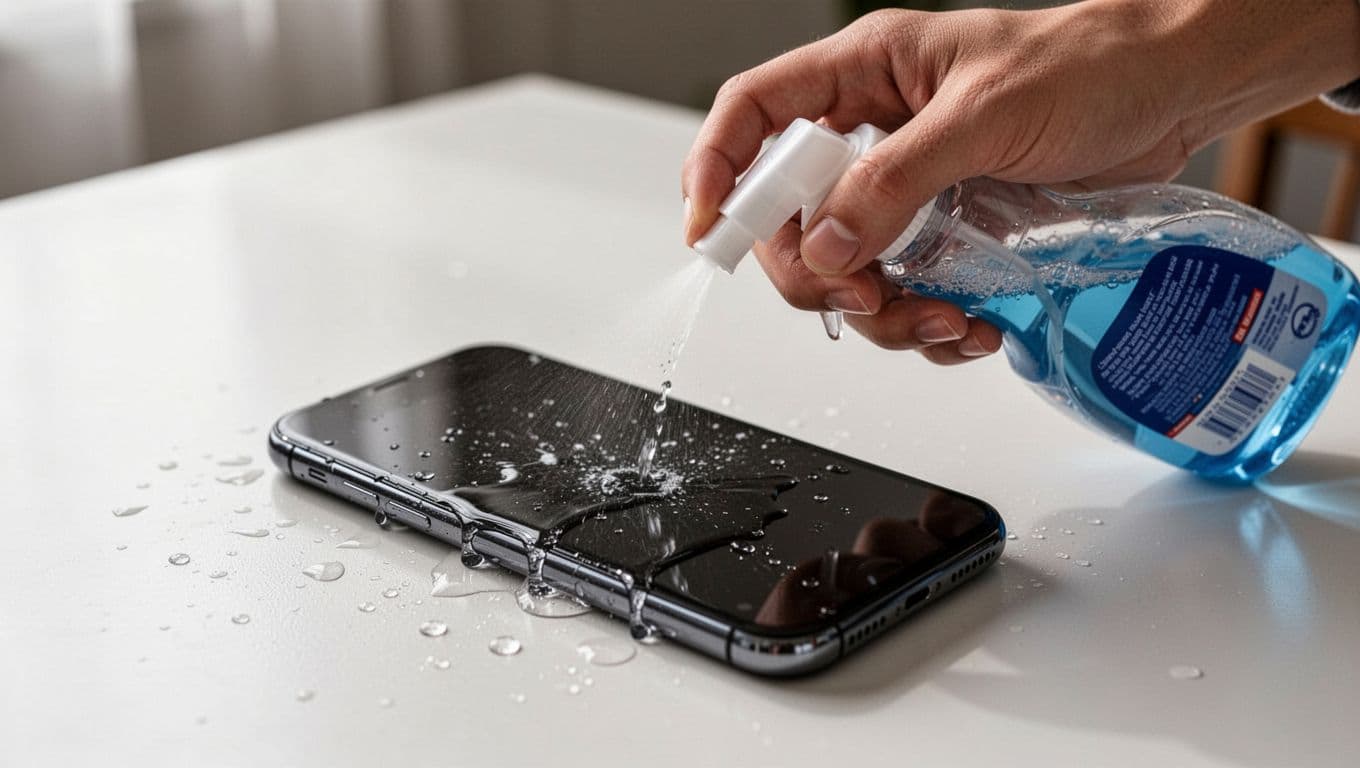
Warning: Spraying Liquids Directly
Don’t spray anything right on your gadget. Liquids run into edges, speakers, or buttons. This leads to shorts or foggy screens over time. Instead, spritz solution on your microfiber cloth first. Wring it out well. Experts at Good Housekeeping agree this simple swap saves phones.
Warning: Harsh Chemicals and Glass Cleaners
Household cleaners like Windex or bleach eat away protective layers. Screens smudge easier, and fingerprints stick. Ammonia dulls glass too. Stick to 70% isopropyl alcohol mixes only. Test on a small spot first. Harsh stuff shortens device life fast.
Warning: Over-Wetting Cloths or Devices
Soggy cloths drip moisture inside. Even water-resistant phones suffer corrosion in ports. Power off first, then wipe lightly. Let everything air dry 30 minutes minimum. No charging until bone-dry.
Warning: Skipping Dry Time
Rushing back to use causes hidden water damage. Circuits fry quietly. Always wait and pat with a dry cloth. Patience prevents pricey repairs.
Warning: Rough Cloths or Tissues
Paper towels scratch coatings instantly. Lint clogs keys too. Use microfiber only. It lifts grime without harm. Lifehacker notes this top mistake damages tech yearly.
Build a quick daily habit instead. Wipe screens with a dry cloth each night. You’ll dodge disasters and keep gadgets fresh. Your devices thank you.
Conclusion
You now know the right tools, smart prep steps, tailored methods for phones, laptops, and watches, plus pitfalls to skip. Safe cleaning keeps dust from clogging vents, ports, and fans. As a result, your devices avoid overheating and last 1 to 5 extra years, right into 2026 and beyond.
Routine wipes each week boost speed and battery life. In addition, they prevent scratches or shorts that void warranties. Your gadgets stay fresh and reliable because you handle them right.
Share your go-to cleaning routine in the comments below. Subscribe for more tech tips that save time and money. Keep your devices shiny and strong today.