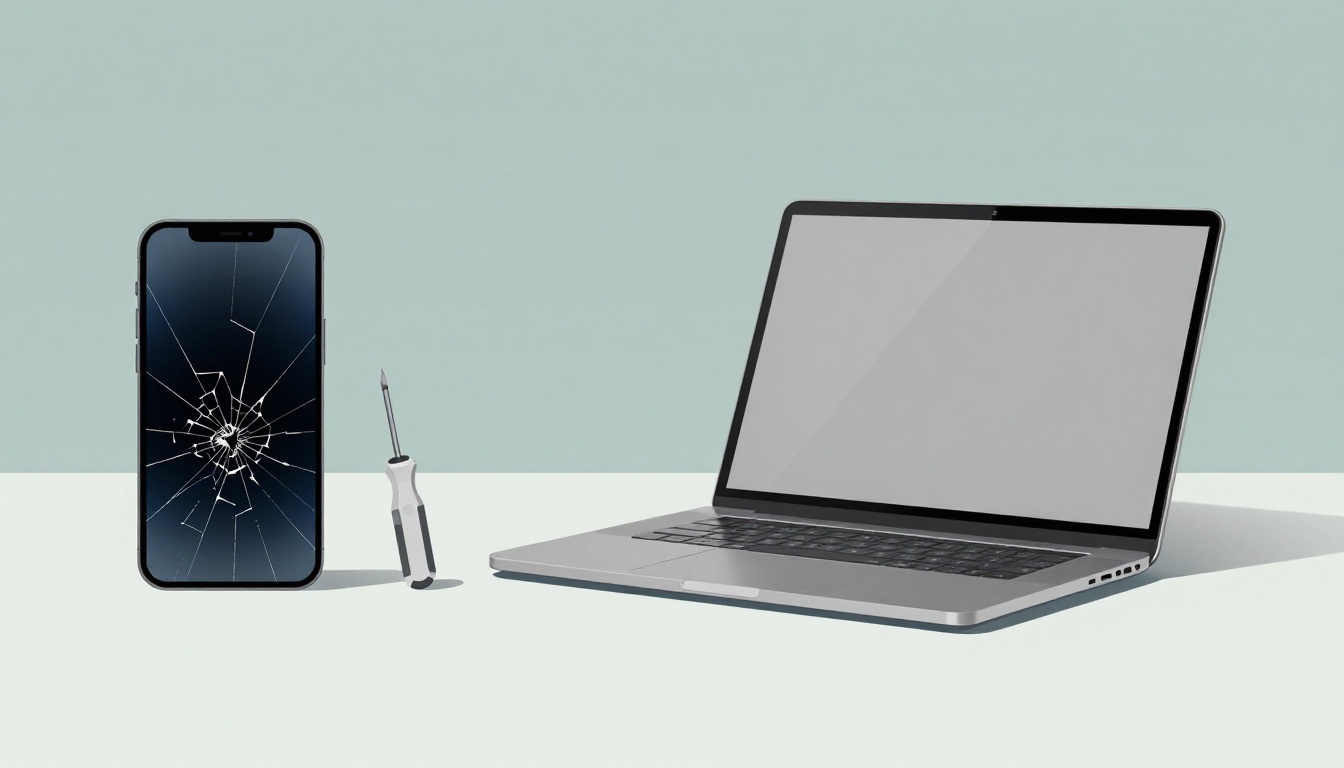
You drop your phone face-down on the sidewalk. The screen shatters into a spiderweb of cracks. Or your laptop fans whine constantly, and it takes forever to load simple apps. These moments hit hard because devices power our days.
Now you face a big choice. Do you spend money on repairs, or buy something new? Repair might save cash short-term. A replacement brings speed and fresh features. Costs add up fast, though. In 2026, when is it time to repair or replace your device like a phone, laptop, or tablet? Many owners struggle here.
This post breaks it down. You’ll spot warning signs, compare real repair prices to new device costs, and weigh other factors like age and performance. Ready to decide without regret? Let’s start with the clear signals your gadget sends.
Spot the Red Flags: Signs Your Device Might Need More Than a Quick Fix
Devices fail in patterns. One glitch often means a simple repair. Multiple problems together? Time to think replace. Phones last about 2.5 years on average before owners upgrade. Laptops hold up around five years. Spot these issues early, and you avoid bigger headaches.
Common culprits include physical damage, weak batteries, and slowdowns. For example, if your phone crashes daily or your laptop battery dies in two hours, listen up. Stats show battery wear causes most early deaths. Slow performance follows close behind.
Owners often ignore early warnings. Then costs snowball. Check your device now. Does it show these red flags?
Cracked Screens and Drops That Won’t Quit
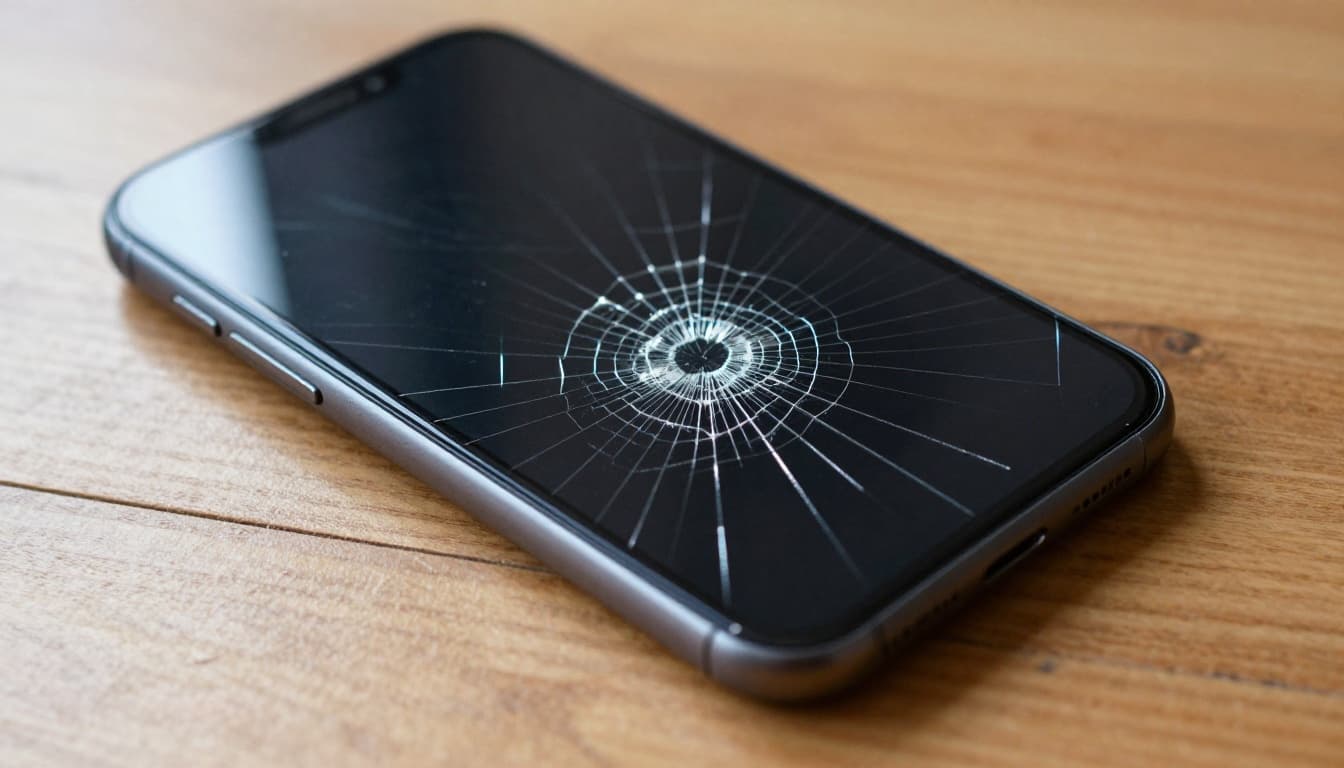
Cracks start small but spread. You see spiderweb patterns after drops. Touch response lags, or the display flickers. These signs scream physical damage.
Drops happen often. Floors, tables, pockets, all claim victims. A single fresh crack on a newer phone? Repair it. Costs stay low, around $200 average. But pair it with an old battery or slow speed? Replace instead.
Right-to-repair trends help here. More shops stock parts now. Fixes feel easier than ever. Still, test the screen first. Dead pixels mean deeper issues.
Battery Drain Turning Your Day into a Charging Nightmare
Batteries fade after two to three years. Your phone holds charge less than four hours now. It swells slightly or overheats during calls. These point to end-of-life.
Swelling batteries push against the case. They risk fires, so act fast. Replacement adds two-plus years of life. Costs run $50 to $130, a bargain for daily use.
Laptops suffer too. Fans spin wild because weak batteries force overwork. Check usage stats in settings. If capacity sits under 80 percent, plan ahead. A new battery revives most machines.
Water Damage and Other Sudden Disasters
Water sneaks in during rain or spills. Your device won’t power on. Or it makes odd noises, with corrosion spots inside. These hit fast and hard.
Repairs cost $70 to $250. Shops clean internals and test parts. Success rates drop if you wait days. Fresh damage? High chance of fix. But combine with age or cracks? Skip it.
Other disasters like overheating or boot loops signal internals gone bad. Isolate the issue. If alone, repair works. Multiple failures mean replace.

For more on laptop warning signs, check this guide to key replacement indicators in 2026.
Run the Numbers: 2026 Repair Costs vs. the Price of a Shiny New Device
Money talks loudest. Repairs beat new buys if costs stay under 50 percent of retail. Flagship phones top $1,000. A $200 screen fix makes sense. But laptops vary more.
In March 2026, screens average $200 nationwide. Batteries hit $50 to $130. Water damage runs $70 to $250. Third-party shops cut prices 30 to 50 percent versus official stores.
AppleCare+ or Samsung Care+ drops screen fixes to $29. Without plans, expect higher tags. Here’s a quick breakdown:
| Repair Type | Average Cost Range | Notes |
|---|---|---|
| Screen | $100–$379 | Higher for iPhone 17 Pro Max |
| Battery | $50–$130 | Quick fix, extends life |
| Water Damage | $70–$250 | Varies by model and delay |
This table shows smartphones first. Laptops follow similar lines, with screens at $150 to $400. New budget laptops start at $400. Repairs under $200? Go for it.
Data empowers smart picks. Savings add up over time.
Flagship Phones Like iPhone 17 and Galaxy S26: What Repairs Really Cost
iPhone 17 screens cost $279 to $379 without coverage. Pro Max hits the top end. Galaxy S26 starts at $209. OLED panels drive prices up.
Third-party options drop to $180 to $320. They use aftermarket parts, so check quality. New flagships exceed $1,000. Repairs stay under 30 percent, a clear win. See detailed 2026 phone screen costs here.
Batteries prove cheapest. At $50 to $130, they refresh two-year-old flagships perfectly.
Mid-Range and Laptops: Smarter Budget Options
Mid-range phones fix screens for $149 to $179. New ones cost $400 to $600. Repairs shine here, often under 40 percent.
Laptops repair at 20 to 50 percent of new price. Screens run $100 to $400. Batteries $80 to $150. After four to five years or multiple fails, replace. For laptop specifics, this 2026 repair vs. replace analysis helps.
Beyond the Bill: Smart Factors to Tip the Scales Toward Repair or Replace
Costs matter, but so do details. Device age under two to three years favors repair. Heavy use or lags push toward new. Warranties and laws shift odds too.
Build a quick quiz. How old is it? Does it handle apps? Any coverage left? Future OS support seals deals. Trends favor repairs now. Third-party shops boom. Authorized spots suit flagships best.
How Old Is Too Old? Lifespan Check for Phones, Laptops, Tablets
Phones average 2.5 years. iPhones stretch to four to ten. Laptops hit five years. Tablets reach seven, but batteries fail first.
Battery wear kills most early. After three years, replacements extend runs. Beyond five? New tech wins. Check your cycle count in settings.
Your Daily Grind: Does It Still Handle Your Apps and Work?
Slow boots or app crashes mean replace. No updates? Security risks grow. Still snappy after fixes? Keep it.
Test with heavy tasks. Video edits lag? Upgrade. Basic email flies? Repair suffices.
Warranty Wins and Right-to-Repair Realities in 2026
Plans like AppleCare+ save big. Screens drop to $29. Samsung matches.
Laws expand access. California, New York, and others mandate parts for seven years. States like Massachusetts and Minnesota push bills. Self-fixes stay warranty-safe. Learn more at PIRG’s right-to-repair page.
Make the Right Call on Your Device Today
Red flags like cracks, dead batteries, or water woes signal action. Keep repairs under 50 percent of new cost. Factor in age, speed, and warranties for no-regret picks.
Assess your device now. Get local quotes. Match needs to fixes or upgrades. Smart choices extend life or grab fresh tech without waste.
Share your repair story below. What’s your next move?
(1,478 words)